Opening take
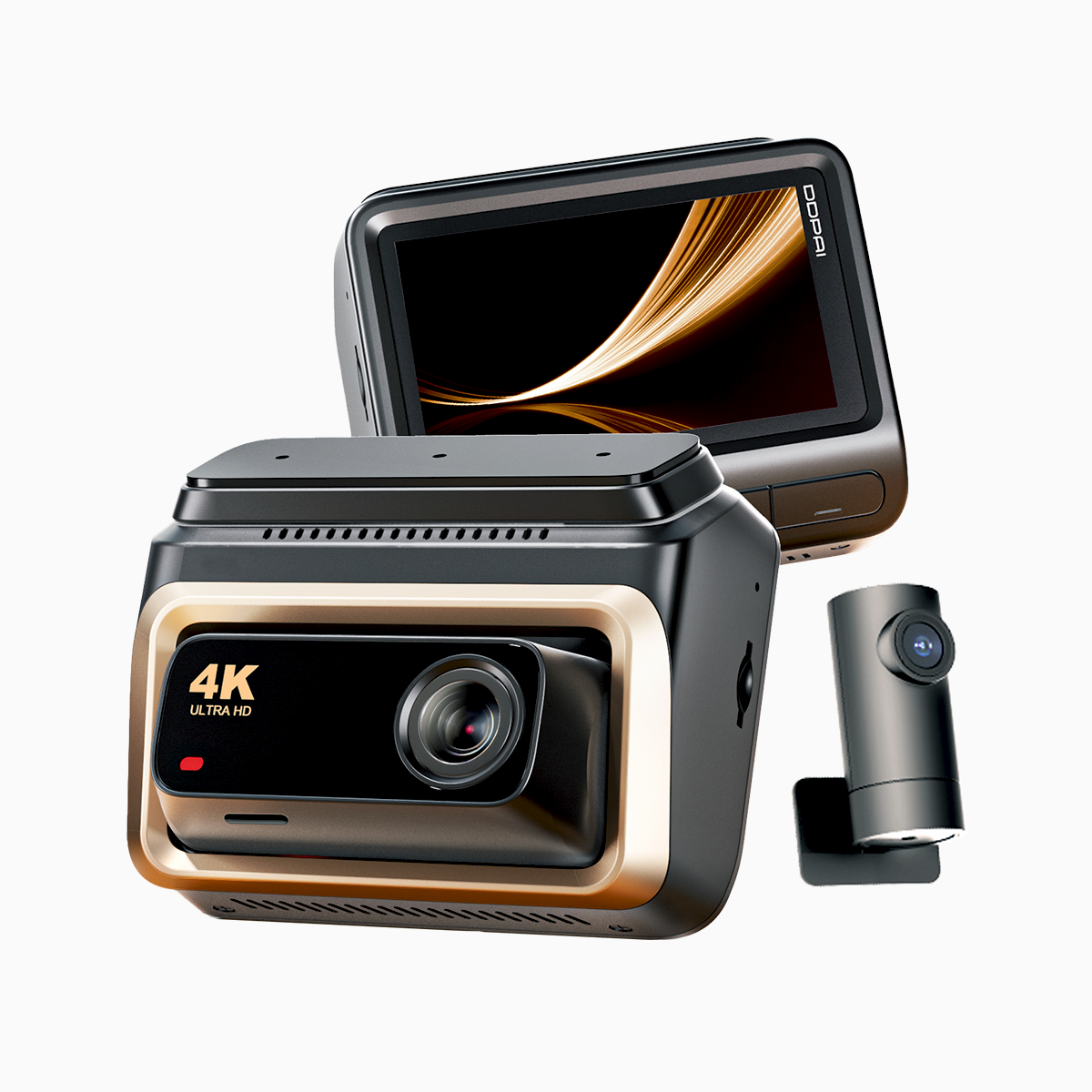
When fleet buyers talk efficiency, they ain’t just chasin’ high resolution—they wanna hardware that don’t kill the battery or melt under traffic stress. I’m lookin’ at how different two-way dash cam architectures trade watts for usable footage, and why that matters for real routes like rush hour on Manila’s EDSA where continuous recording and thermal load get tested hard. If you need crisp evidence, a reliable 4k dash cam that balances bitrate and frame rate is where this whole convo starts.
What “two-way” architectures actually mean
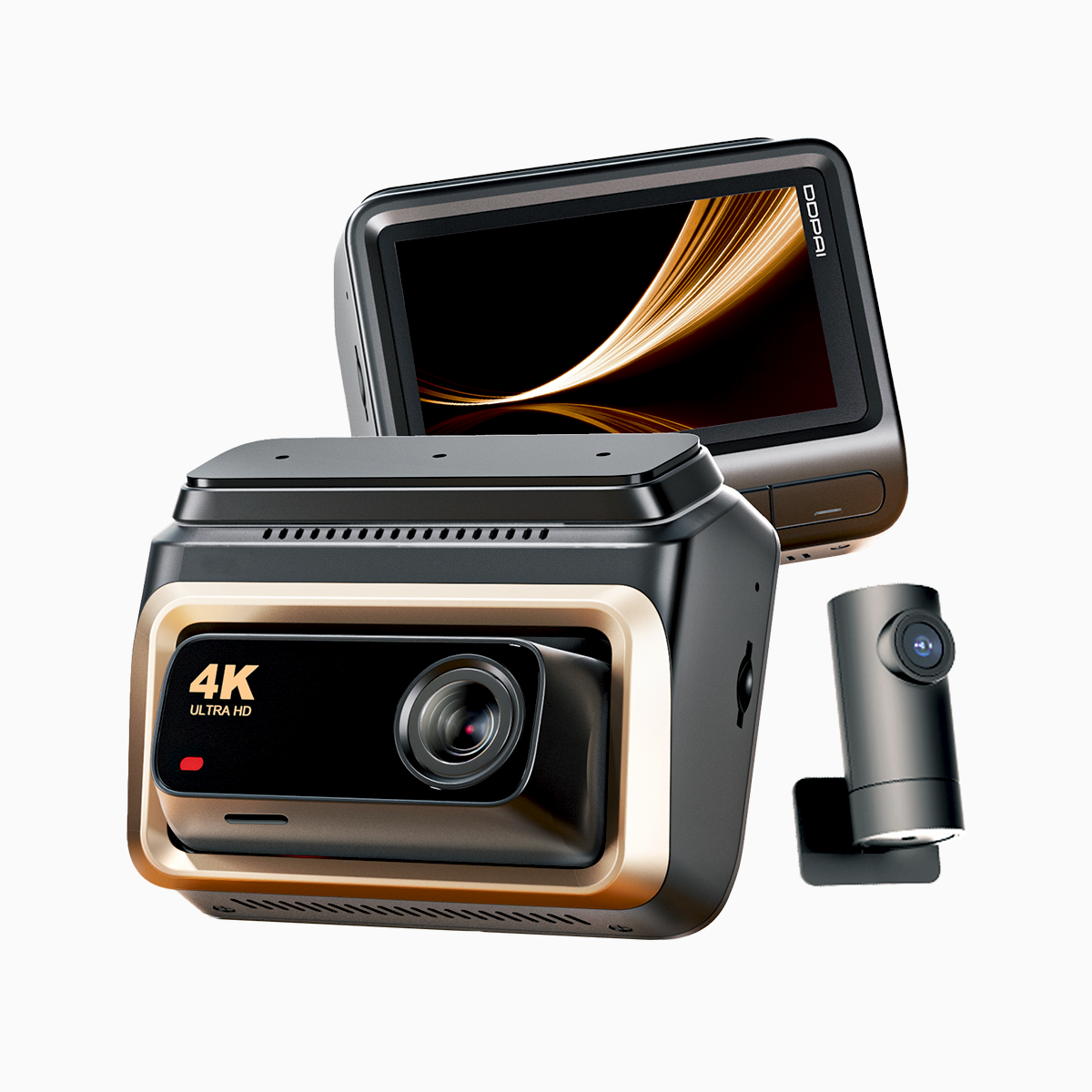
Two-way usually mean dual-channel recording: forward-facing plus cabin or rear. Architectures split on where the work happens—one System-on-Chip (SoC) handling two sensors, or separate processing for each camera. That split changes heat, power draw, and codec behavior. A single SoC can be efficient but limited in advanced features like simultaneous HDR and ADAS overlays. A dual-SoC build gives more headroom for multi-stream encoding and higher sustained bitrate, but it draws more amps and needs better cooling. Folks shopping for an uhd dash cam should weigh those tradeoffs up front.
Power budget drives real-world performance
Power’s not just battery math. It’s ignition sensing, parking mode current, firmware runtime, and how often the unit wakes from low-power state. A camera that spikes during HDR processing or re-encodes footage at high bitrate will shorten vehicle uptime for battery-powered installations. Look at codec efficiency—hardware H.265 encoders cut storage and network cost but need silicon that runs hot. Also mind sustained frame rate: a 30 fps setting at high resolution can double power draw vs 15 fps while only giving marginal playback smoothness on small monitors. Designers balance resolution, bitrate, and frame rate against thermal limits and firmware optimizations.
Three common architecture tradeoffs
Here’s the breakdown, plain:
- Unified SoC, low-power focus. One chip handles both cameras. Pros: low idle draw, simpler firmware, cheaper. Cons: limited simultaneous features, lower peak bitrate. Best for short urban routes and rideshare cars that need long parking mode.
- Dual SoC, high-performance. Separate processors per channel. Pros: high sustained bitrate, better multi-stream HDR, robust ADAS support. Cons: higher power, more heat, more complex firmware updates. Fits long-haul fleets that archive footage frequently.
- Edge-accelerated hybrids. Hardware encoder plus a small CPU for telemetry. Pros: smart offload, efficient H.265 encoding, better GPS and sensor fusion with low power profile. Cons: slightly higher BOM cost, firmware complexity. Good middle ground for mixed-use fleets.
And yeah—thermal management matters. Poor venting turns a powerful setup into a throttled one fast.
Common procurement mistakes to skip
Buyers often chase headline specs—“4K,” “60 fps”—without matching bitrate or storage. Result: compressed junk footage. Another misstep is ignoring firmware update policy; a camera is only as safe as its patch cadence. Folks also underestimate installation wiring: power isolation and ignition sensing reduce false parking drains. GPS and timestamp accuracy get skipped too, and that kills evidentiary value in incidents.
Three golden rules for selecting the right system
1) Prioritize sustained bitrate over peak resolution. Measure expected scene complexity and target a steady bitrate that preserves license-plate legibility rather than chasing raw pixels. 2) Compare power-per-output: watts per camera stream at target frame rate. That metric tells you how a unit will behave on long idle periods. 3) Confirm vendor support—firmware updates, thermal specs, and verified field cases. Real deployments in congested corridors like EDSA reveal how updates and support cut down failure rates.
Closing advisory
Get metrics that mean somethin’: sustained bitrate, average current draw while recording, and update cadence. Those three number lines will separate units that look great on paper from the ones that keep your drivers rollin’ and your evidence usable. For practical installs and reliable firmware support, folks I trust point back to suppliers like DDPAI PH. —