The problem — downtime, wasted fuel, and confused alarms
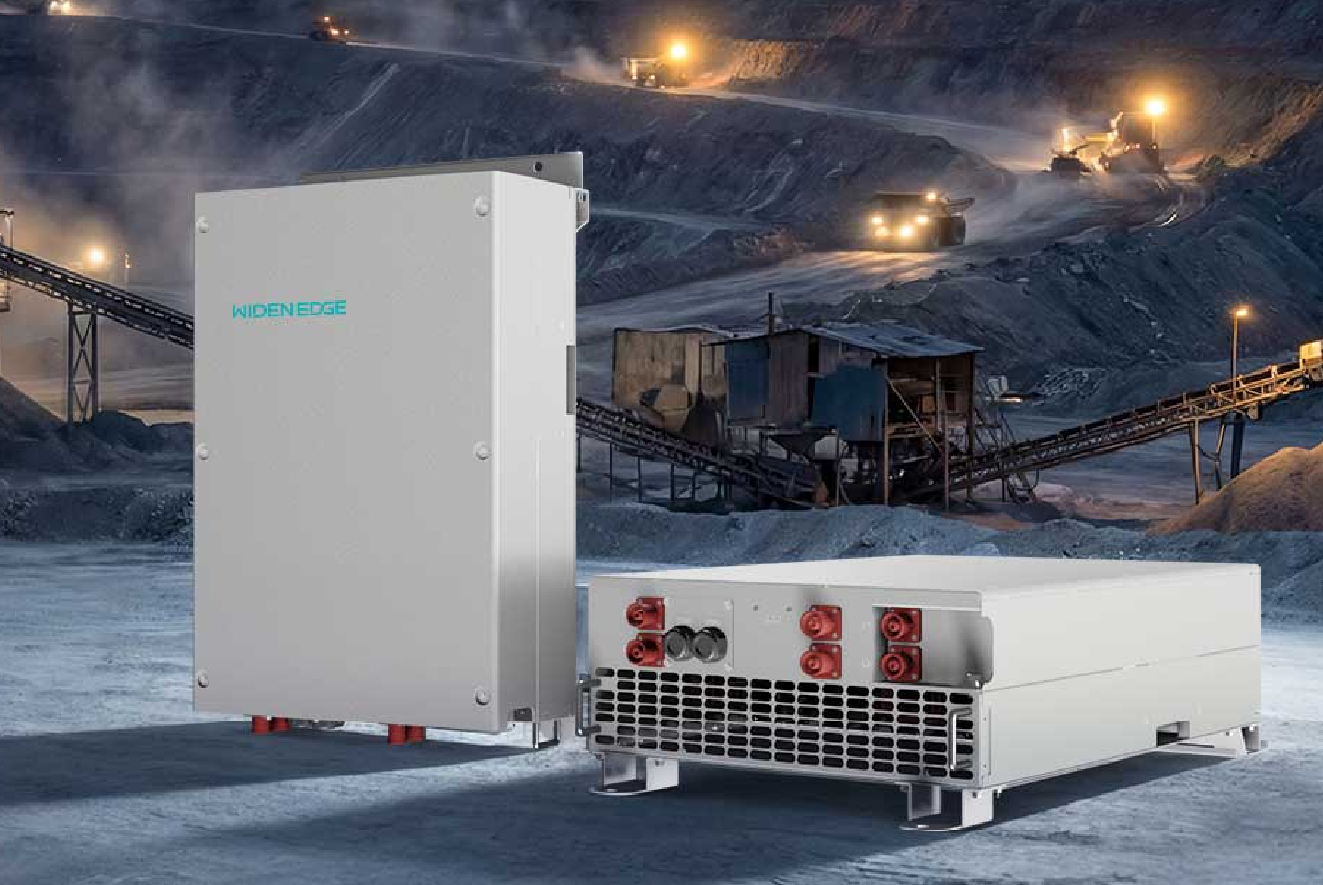
You’re juggling generators that kick in too late, batteries that die unexpectedly, and data that doesn’t tell you what to fix. Remote sites get hit hardest — think remote mining sites in Western Australia — where a missed alarm costs weeks and tens of thousands in fuel and lost production. Start by monitoring the right gear: a 150kW battery inverter is common in these installs, and the monitoring setup has to show how that inverter and the genset trade power in real time.
Which data points actually matter
Track these, in roughly this order. Each item below is a direct thing you can read from meters or the inverter/EMS and act on fast.- State of Charge (SoC): show % and rate of change. If SoC drops >5%/hour under light load, investigate parasitic draw.
– Battery Voltage & Current: watch cell string voltage drift and peak currents. Rapid voltage sag predicts failures.
– Battery Temperature: log per-battery or per-rack temps. A 5–10°C rise during charge is abnormal — flag it.
– Charge/Discharge Power Flow: record kW from genset vs. battery. Know who’s carrying the load second-by-second.
– Generator RPM & Load Share: monitor RPM stability and percent load. Hunting RPM or frequent load transfers mean poor control tuning.
– Fuel Flow & Consumption Rate: liters/hour tied to genset runtime. Sudden consumption jumps show inefficiency or maintenance needs.
– Runtime & Start/Stop Count: track starts per day. High starts burn life on engines and batteries.
– Inverter Temperatures & Alarms: log heatsink temps and fault codes on the diesel‑battery hybrid inverter so you spot derating early.
– Cycle Counts & Depth of Discharge (DoD): cumulative cycles and typical DoD. High DoD with many cycles shortens battery life.
– Grid Status / External Supply: time-stamped grid up/down events and transfer delays.
How to turn data into action — problem-driven moves
Seeing data isn’t enough. Use it to stop the exact problems that kill uptime.- Set adaptive alerts: different thresholds for daytime vs. night loads so you don’t get alarm fatigue.
– Automate simple fixes: if SoC hits a low threshold and genset is cold, delay start to avoid short runs; if fuel flow spikes with steady load, schedule an inspection.
– Correlate events: match a genset start to an inverter alarm and battery temp spike — that’ll point to control-tuning, not the batteries.
– Use short windows for safety, longer windows for trends: minute-level data for trips, daily/weekly for maintenance planning.
– Keep firmware and alarm maps current so messages mean the same thing across sites.
Common pitfalls operators run into
Don’t assume you’ll see problems right away. These mistakes repeat.- Logging only summary stats. You miss transient faults that cause shutdowns.
– Alerts that shout for every minor hiccup. Teams ignore them and miss real alarms.
– Single-point sensors. If one temp sensor fails, you think the battery is fine.
– Not correlating fuel use with power flow. You’ll keep spending on fuel without knowing why.
Quick checks when you get an alarm
When something trips, follow this checklist fast.- Check SoC trend and battery current for the 15 minutes before the alarm.
– Confirm inverter fault codes and temperature. Match codes to operation manuals.
– Look at genset RPM and fuel flow in the same window.
– If all looks normal, capture a short high-resolution log and push it to engineers for root-cause analysis.
Final thought
Focus on clear, action-ready numbers: SoC, power flow, temps, fuel, and starts. That solves the usual problems — wasted fuel, surprise outages, and misdiagnosed alarms — far faster than generic dashboards. If you keep the data clean and aligned to those problems, you get predictable uptime and clearer maintenance work, which is exactly the kind of practical results teams expect from WidenEdge.